Difference between revisions of "Class"
Jump to navigation
Jump to search
| (One intermediate revision by the same user not shown) | |||
| Line 3: | Line 3: | ||
#* The Class can also be changed manually by typing them in | #* The Class can also be changed manually by typing them in | ||
| − | |||
| − | |||
| + | [[File:UnitGIF.gif|center]] | ||
| − | |||
| − | |||
| − | |||
[[Class Static]] | [[Class Static]] | ||
Latest revision as of 18:28, 1 February 2022
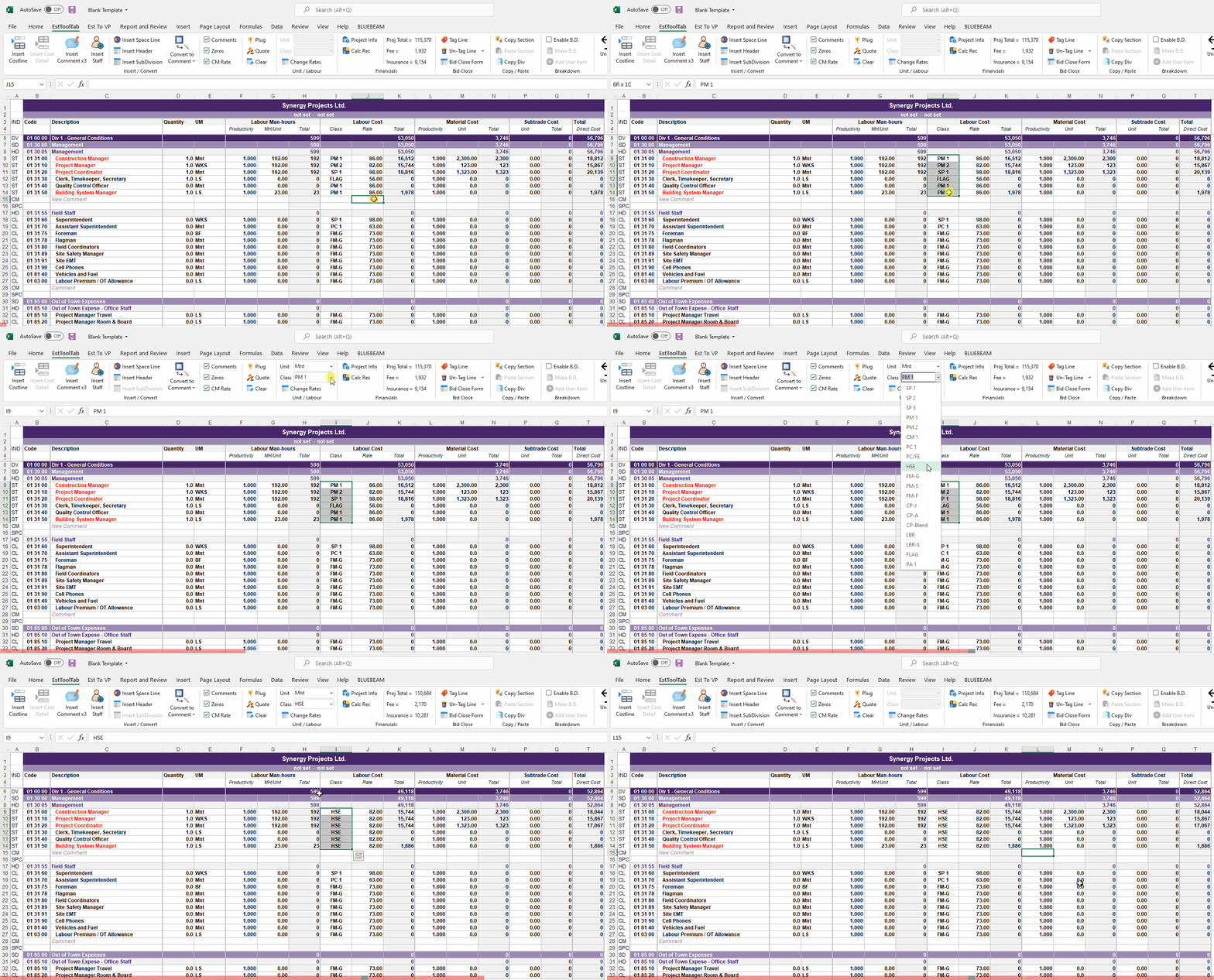
- Select Any Cell (or a Range) on the row(s) that you want to change the Class of
- Click the drop down unit Menu and choose a Class to change
- The Class can also be changed manually by typing them in
