Difference between revisions of "Copy Section"
Jump to navigation
Jump to search
| Line 16: | Line 16: | ||
| − | [[File: | + | [[File:CopyPasteSection.gif|center]] |
Latest revision as of 23:11, 13 January 2022
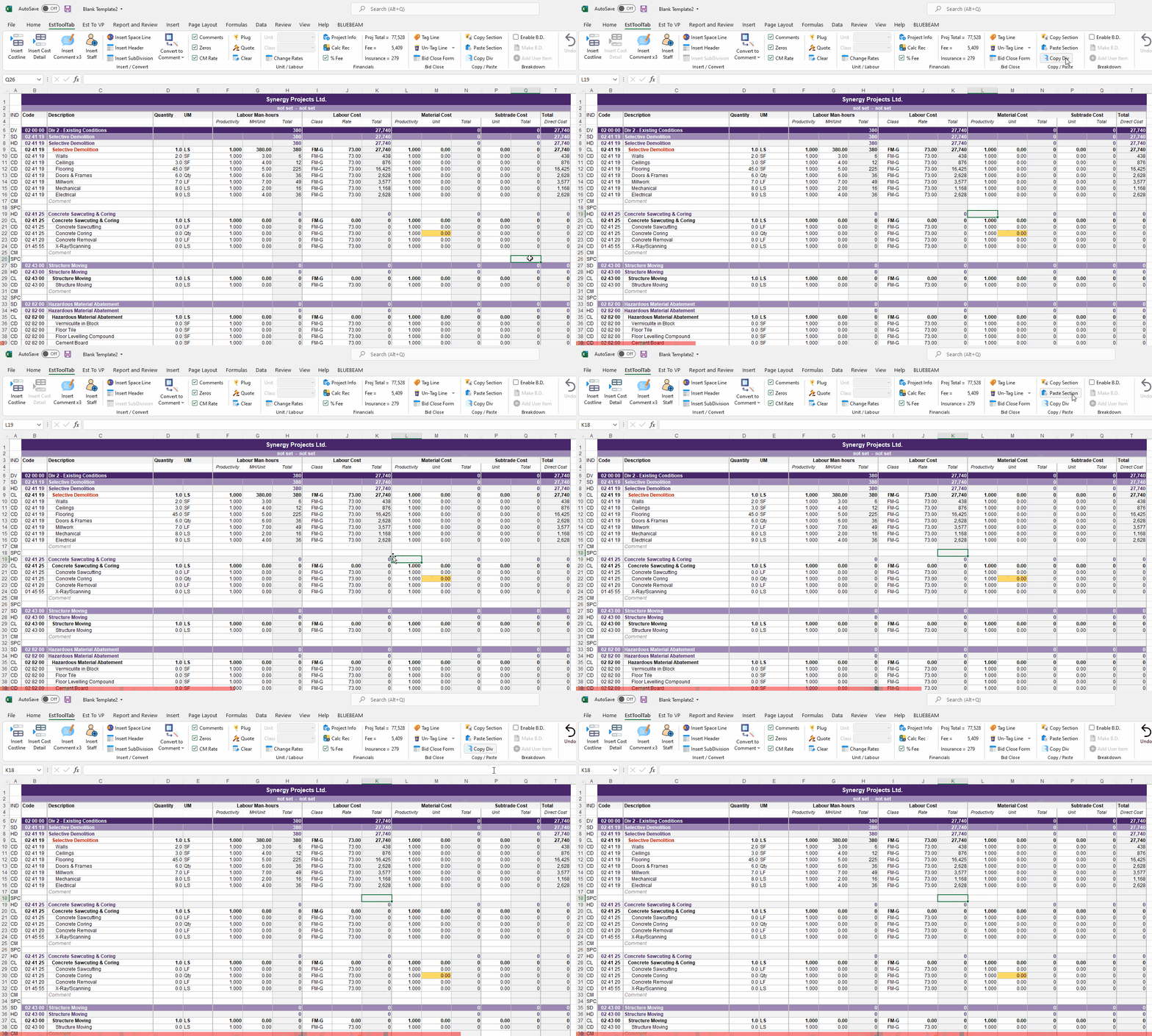
Copy Section has 2 modes of operation
- Section copy
- Multiline Copy
Section copy works as follows:
- Select a single cell of the line of the section you would like to copy (i.e. a HD line, CL line )
- Then press Copy section and the section will be stored in memory and can be pasted with the Paste Section button
Multiline copy works as follows:
- Select a range of cells you would like to copy and press the Copy section button
- The program will store this range in memory and can be pasted with the Paste Section button
To Paste your copied section:
- Select any cell in a row in which you want your copied section to fit below
- Depending on the logic your placement may or may not be valid (the program will tell you)
