Difference between revisions of "User Defined Variables"
Jump to navigation
Jump to search
Siyuan wei (talk | contribs) |
Siyuan wei (talk | contribs) |
||
| Line 2: | Line 2: | ||
# when variable is changed the workbook will calculated again | # when variable is changed the workbook will calculated again | ||
# then variable deleted, you will be forced to reselect the variables, so be cautious not to do this. | # then variable deleted, you will be forced to reselect the variables, so be cautious not to do this. | ||
| − | # This shows how to use the form | + | # This shows how to use the form<br> |
| − | [[File:UserDefinedVariable.gif|frame|user defined variable form]] | + | |
| − | # this shows how to change on the sheet | + | [[File:UserDefinedVariable.gif|frame|user defined variable form]]<br> |
| + | |||
| + | # this shows how to change on the sheet<br> | ||
| + | |||
[[File:UserDefinedVariable-sheet input.gif|frame|software behaviour when changing quantity on sheet]] | [[File:UserDefinedVariable-sheet input.gif|frame|software behaviour when changing quantity on sheet]] | ||
Revision as of 22:30, 9 January 2023
- This form will allow you to self define variable value and use in quantity column
- when variable is changed the workbook will calculated again
- then variable deleted, you will be forced to reselect the variables, so be cautious not to do this.
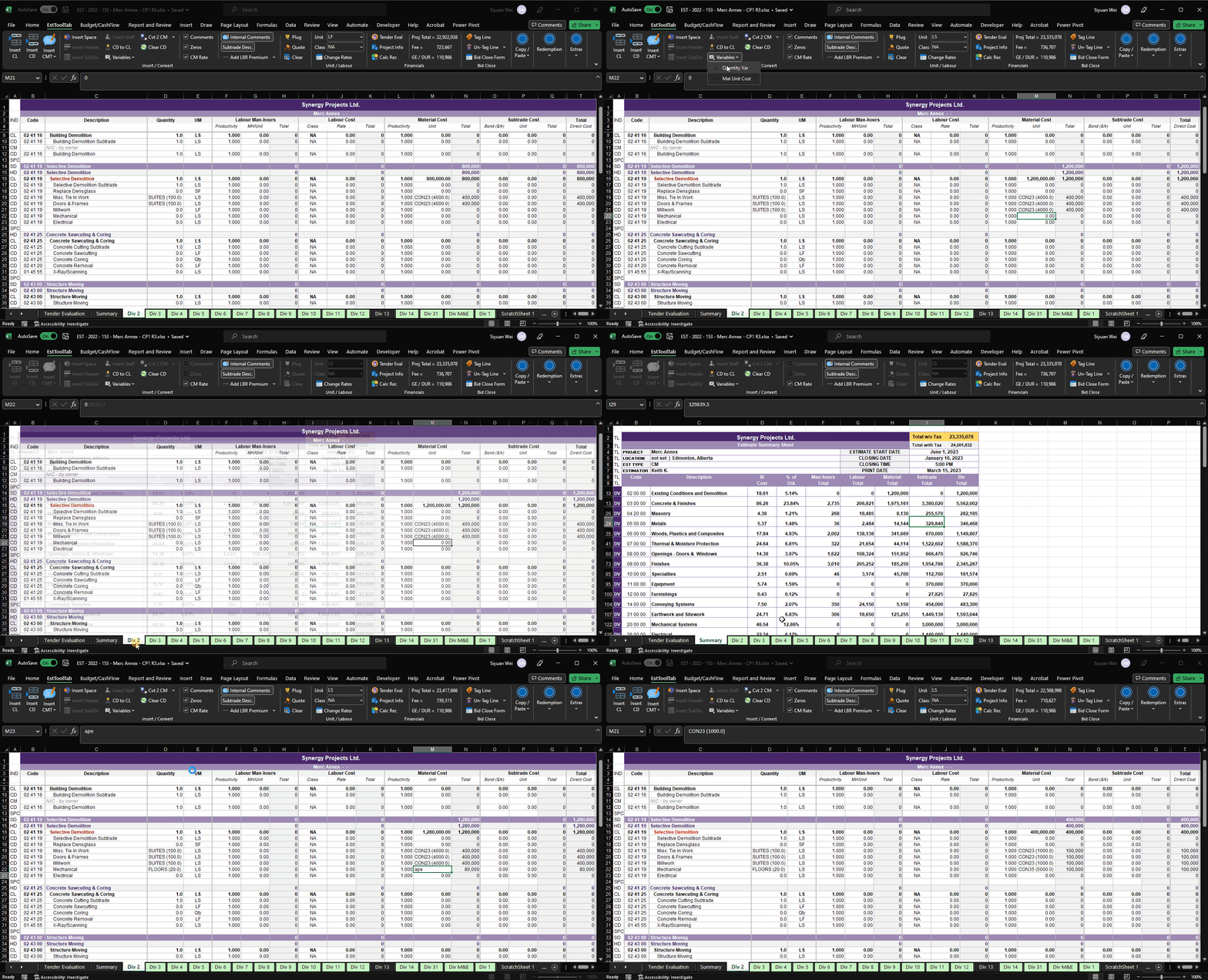
- This shows how to use the form

user defined variable form
- this shows how to change on the sheet
File:UserDefinedVariable-sheet input.gif

software behaviour when changing quantity on sheet