Insert Header
Jump to navigation
Jump to search
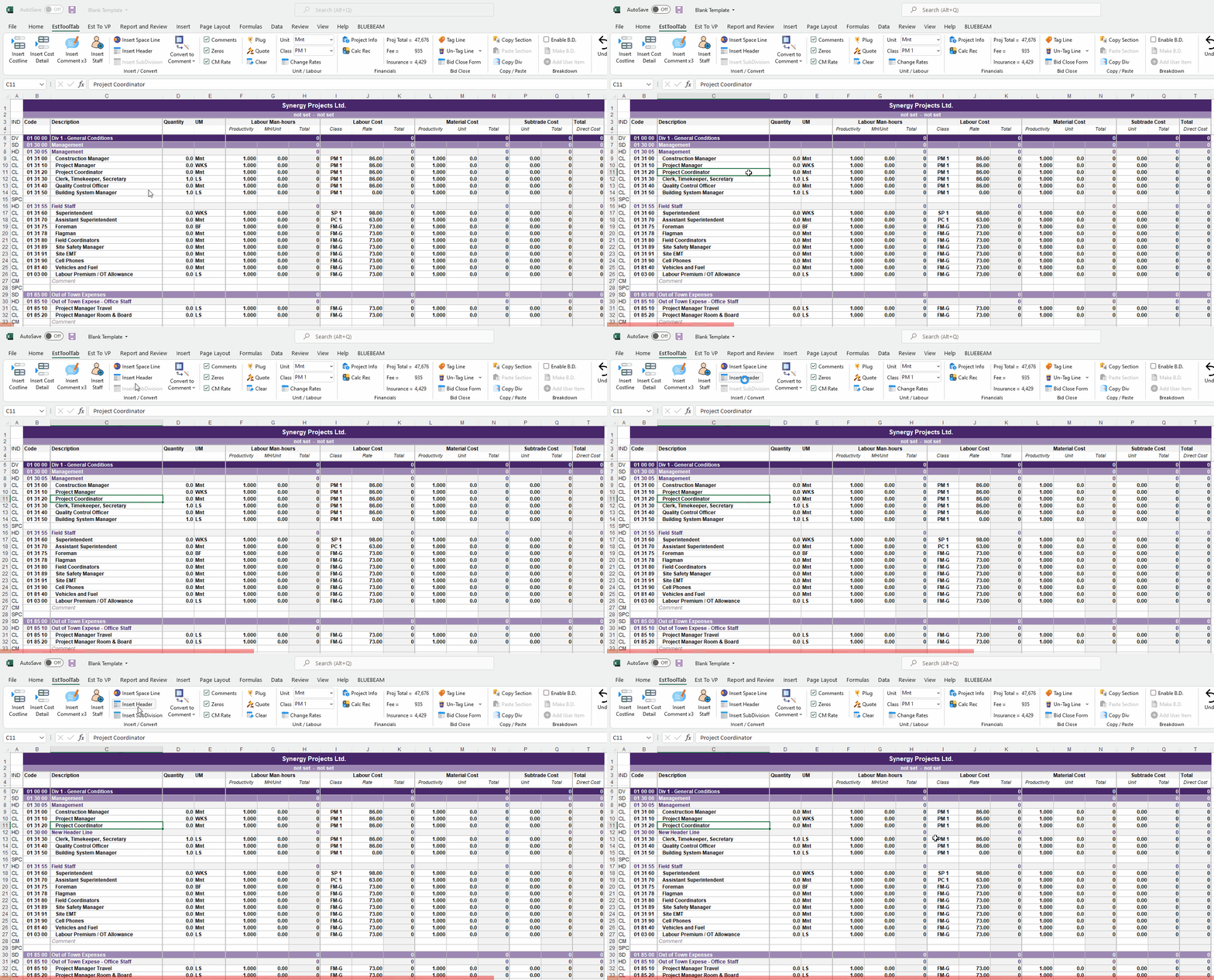
- To Add a Header Line the User must first select any Cell in the row they want to place a new Header Line in
- The New Header Line will always appear beneath the selected Cell's row
- The User must then Click the Insert Header Line Button in the EstToolTab Ribbon and the New Header Line Should Appear
