Custom Document Properties
Jump to navigation
Jump to search
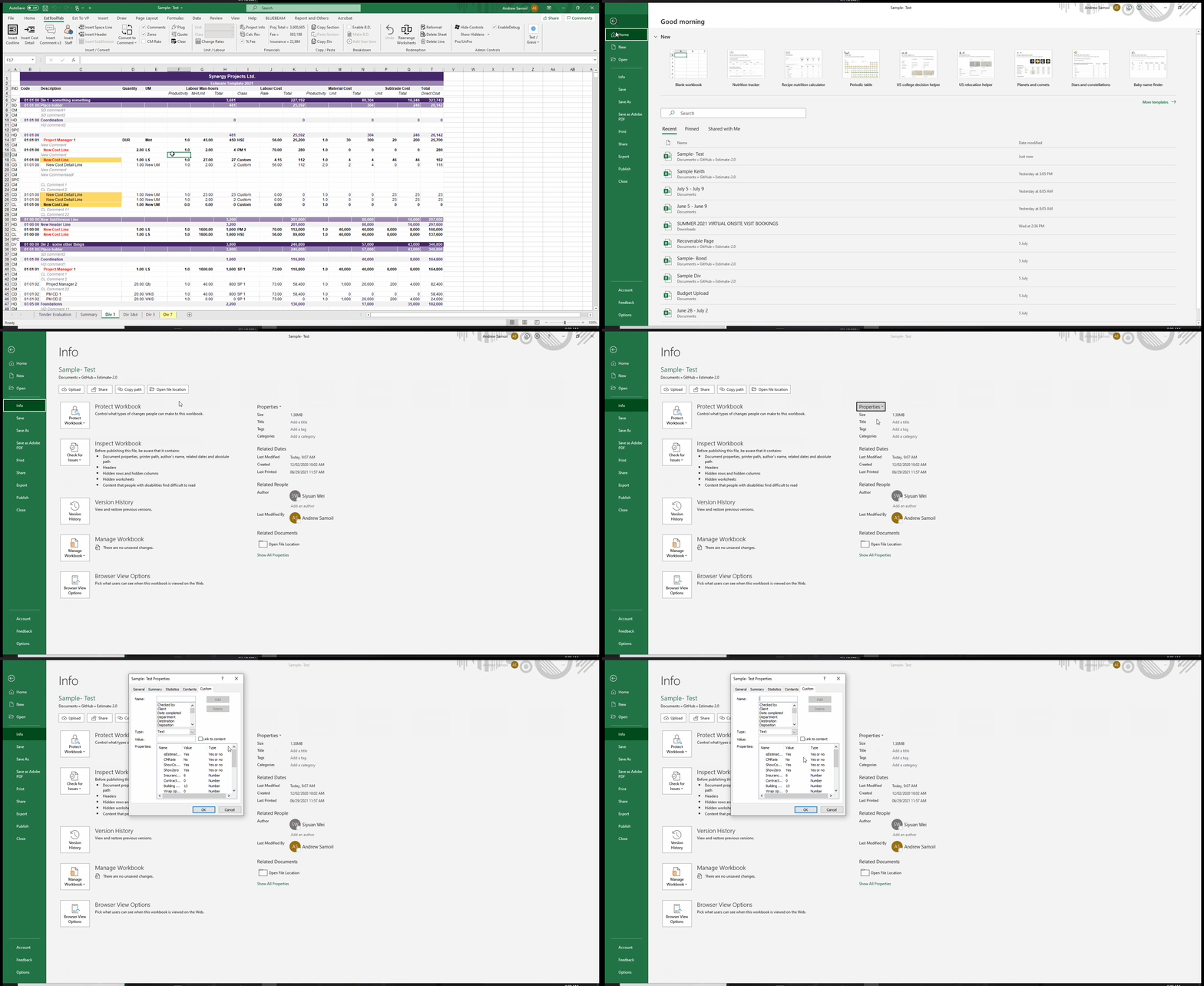
To Access the Custom Document Properties of an Excel File:
- Make sure the Workbook is not Protected (An Estimating File should always be protected by default)
- Press File
- Go to Info
- Click Properties and then Advanced Properties
- Go to Custom
