Insert Comment x3
Jump to navigation
Jump to search
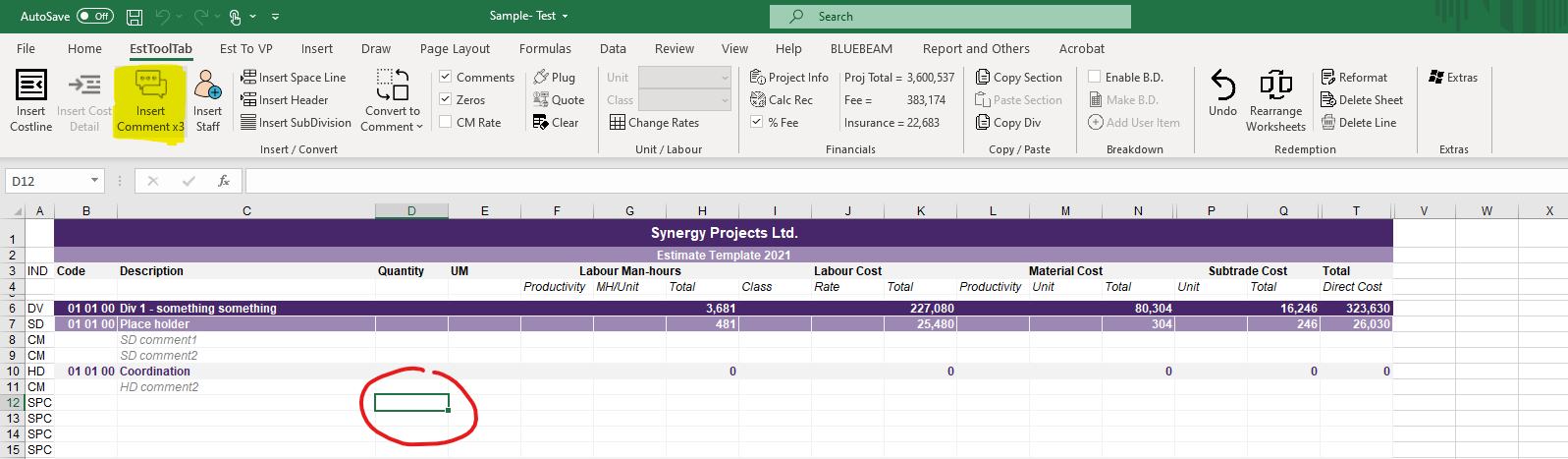
- To Add a Comment the User must first select any Cell in the row they want to place a new Comment in
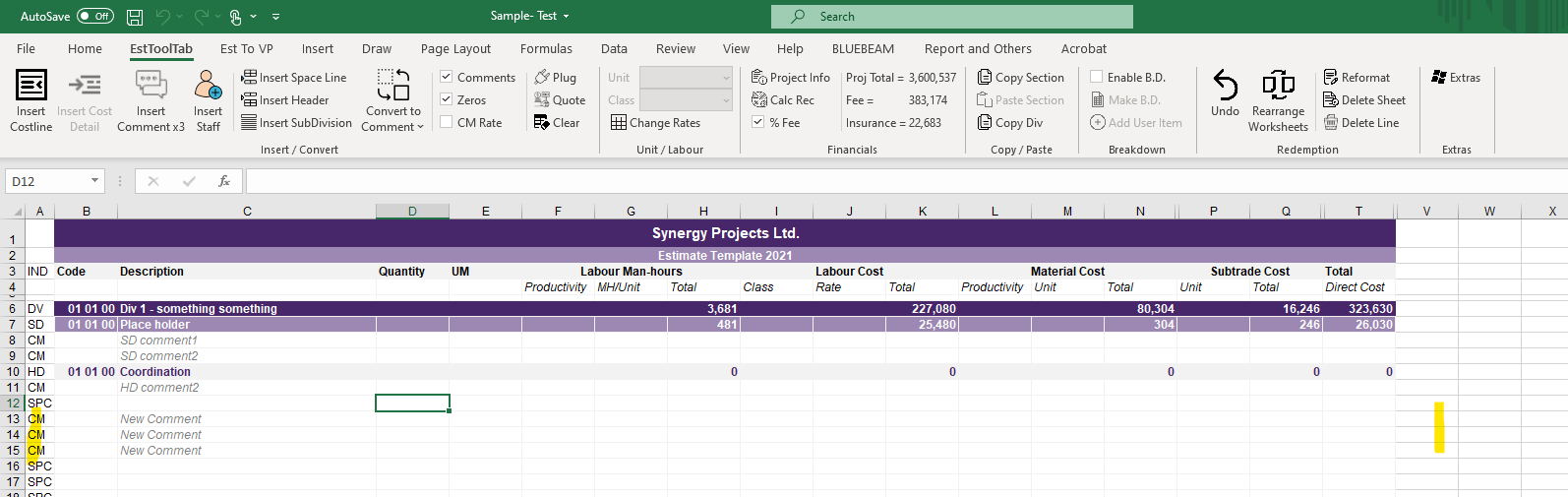
- The New Comment will always appear beneath the selected Cell's row

2. The User must then Click the Insert Comment Button in the EstToolTab Ribbon and the New Comment Should Appear
