Convert To Comment
Jump to navigation
Jump to search
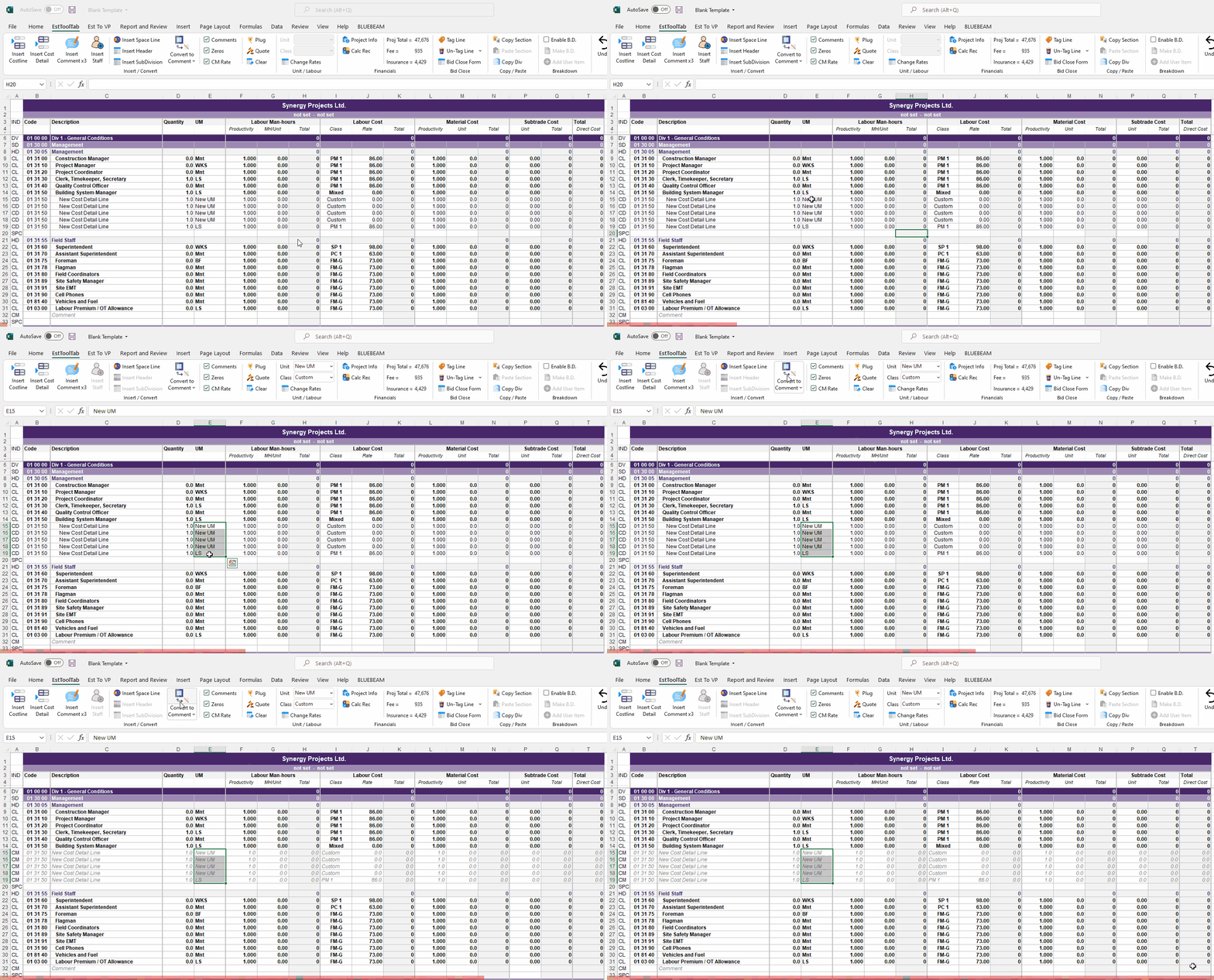
- To Convert To Comment the User must first select any Cell in the row they want to Comment Out (Or a Range)
- Only CD's are allowed to be commented out in the current version
- The User must then Click the Convert To Comment Button in the EstToolTab Ribbon and the Lines should Comment Out
