Copy Div
Jump to navigation
Jump to search
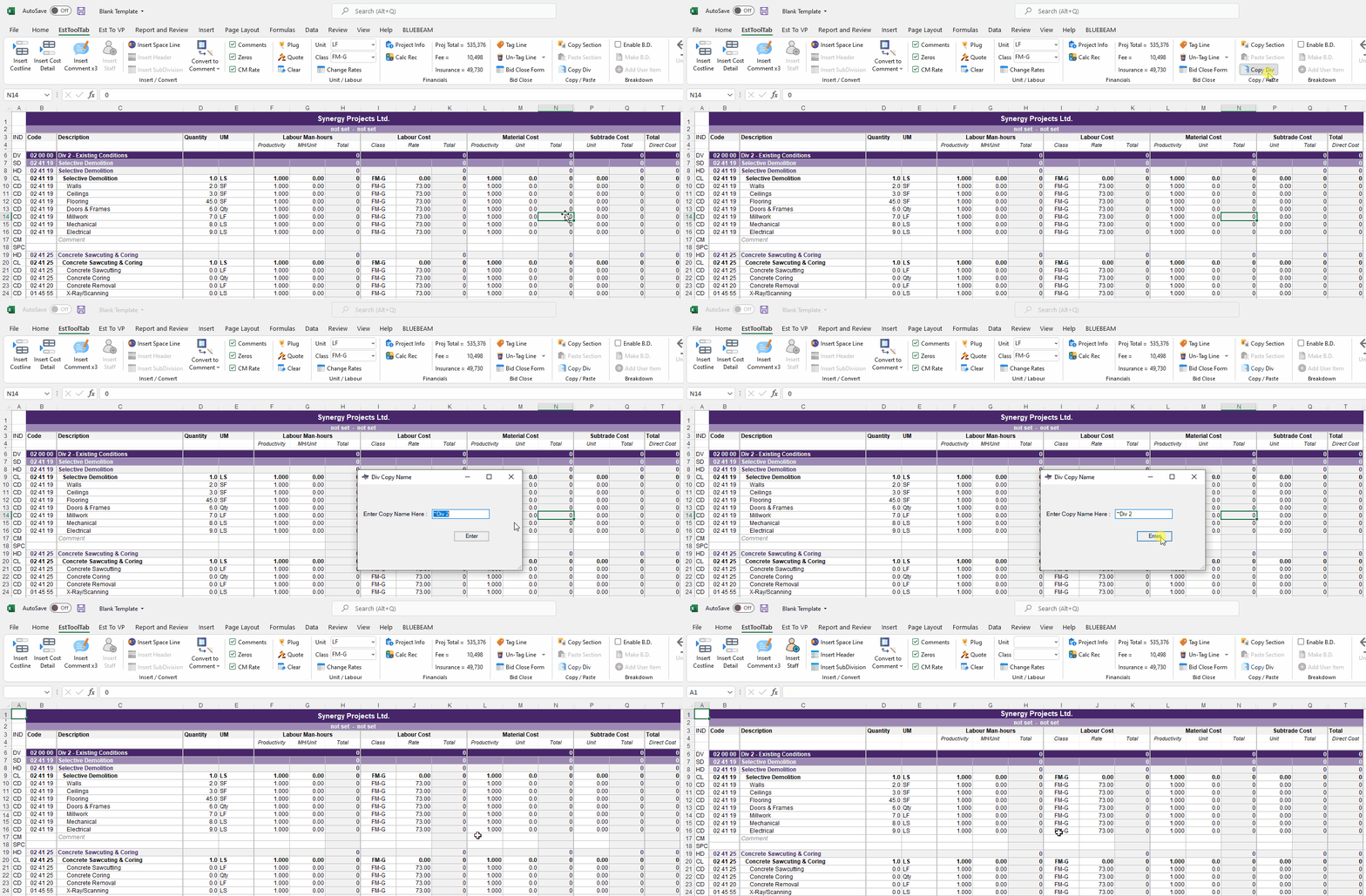
To Copy a Div:
- Be on the Worksheet you want to Create a Copy of
- Click the Copy Div button in the Copy / Paste Sub-Section
- Write a Name in the Text Bar
- The Program will prompt you to create a Valid Name if one is not given
- The Copied Division will appear
NOTE: The copied Division is not used in the Summary Page
