Tender Eval
Jump to navigation
Jump to search
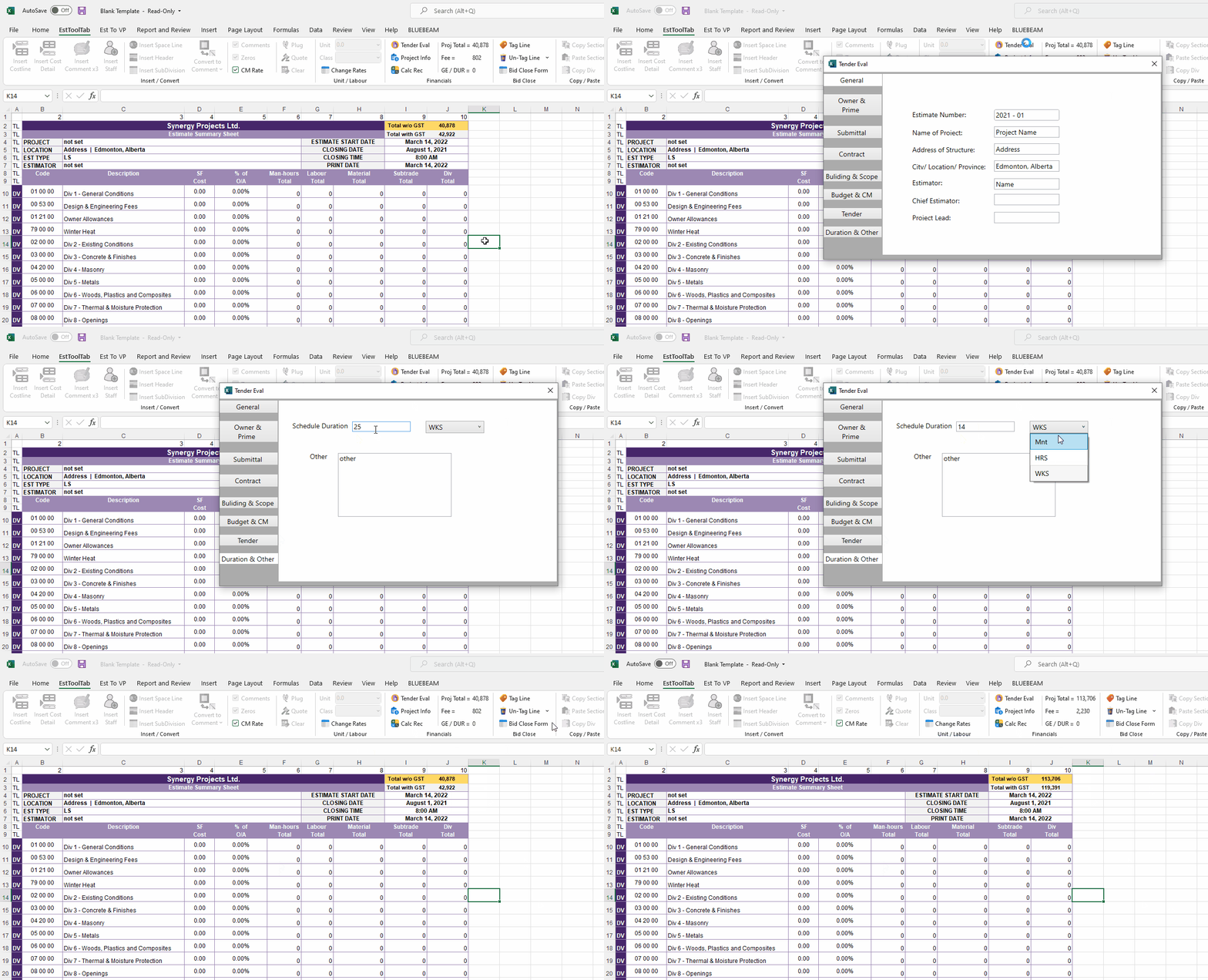
This button allows the user to change the Tender Eval info.
usage:
1. Click the button
2. A Menu should then appear in which the user select tabs on the right side and change the value of some numbers
3. To save, close the Menu. The program will refresh as accordingly