Add OH Line (Button Group)
Jump to navigation
Jump to search
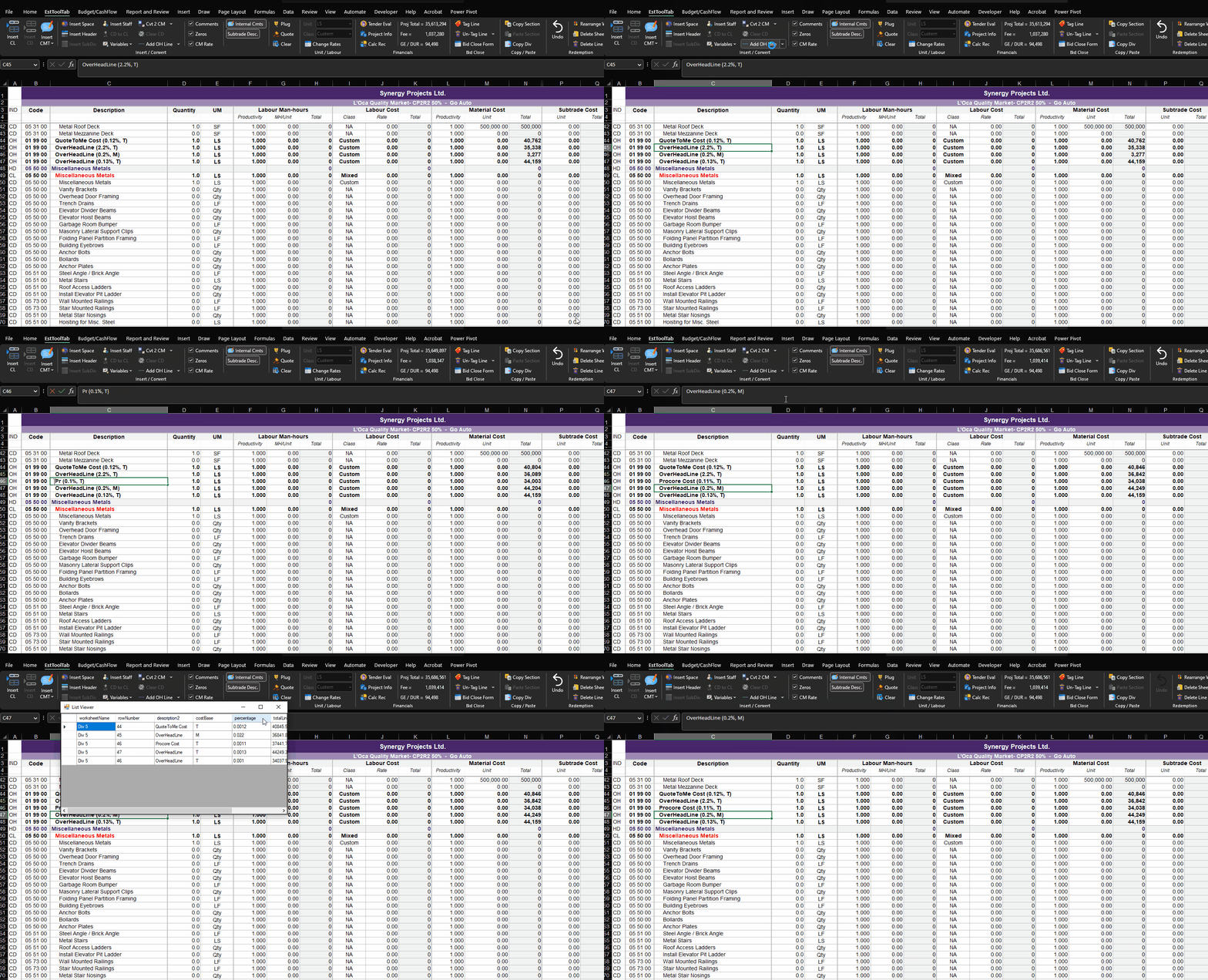
This group of buttons includes the functions
- add OH line
- show locations of OH line
Add LBR PremiumAdd Tool Allowance
The OH Lines follows this format : `Description` (##% | `Label`); where:
- The Description is the name of the line
- The "##" represent a number in front of the percentage.
- The Label can be the following, single or combined
- "C" - it will collect all Crew Cost
- "F" - it will collect all Staff Cost
- "M" - it will collect all Material Cost
- "S" - it will collect all Subcontract Cost
- "E" - it will collect all Equipment Cost (Currently not used in Synergy)
- "T" - it will collect all Total Direct Cost
For example, this line can be "Budgeted General Expenses (6% | T)" , then this line will be 6% of Total Direct cost.
The usage is below:

Add OH Line (ButtonGroup)